What's new in Chartnote
The biggest changes arriving November 1, in about ten minutes: getting ready, Highlights, Archive and Trash, Handoff, and custom AI note templates.
Lessons
-
 1:20
1:20Prepare for the update
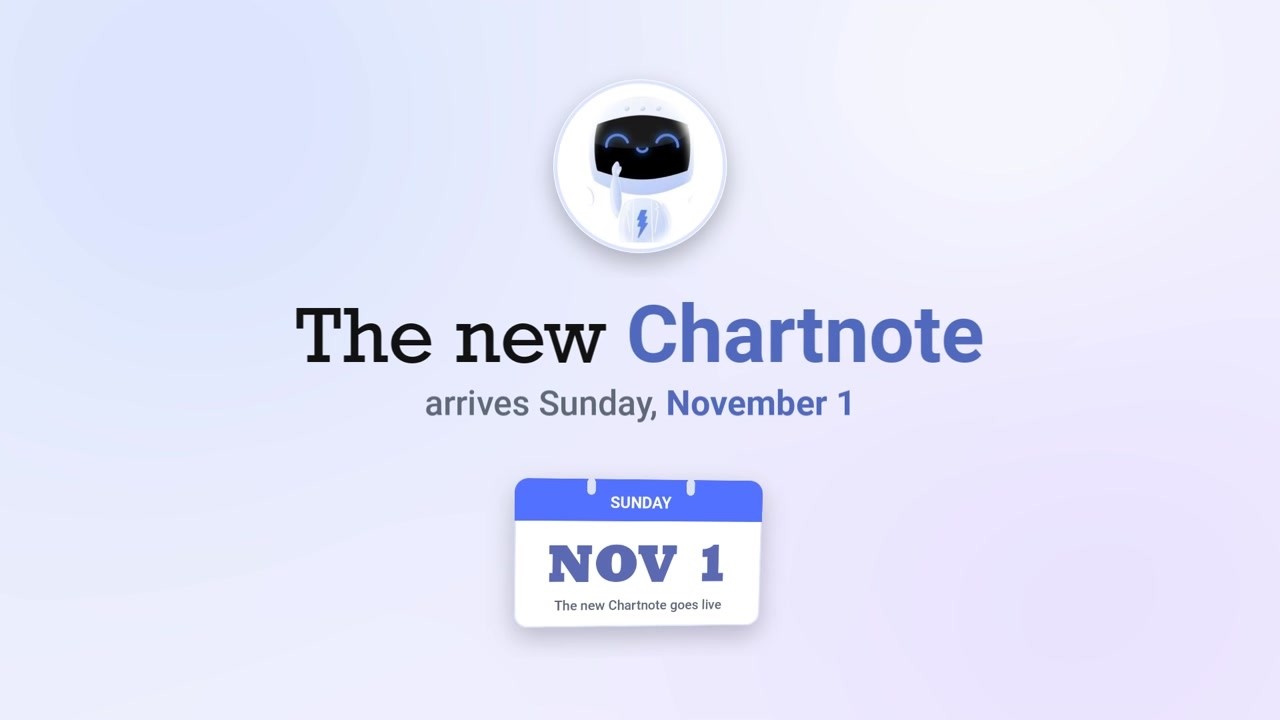
The new Chartnote arrives Sunday, November 1. Before then, open any draft or in-progress recording and generate the notes you want to keep, including offline mobile recordings. Completed notes, custom templates, shared notes and Copilot conversations carry over.
-
 1:44
1:44Highlights and Finish Later
Pausing syncs your audio. Tap Finish Later to get Highlights of the visit so far, then come back to resume recording or generate the note.
-
 1:50
1:50Archive, Trash, and Restore
Archive sets a finished note aside without deleting it. Deleted notes and drafts go to Trash, where they can normally be restored for up to 30 days. Your retention policy can delete them sooner.
-
 1:15
1:15Receive an Intake and Complete the Visit
Clinicians · Open the intake your assistant sent, review the Sticky note, files and Highlights, record your part of the visit, and generate the note.
-
 2:38
2:38Create Your Own AI Note Template
Use the four-step wizard: name the template and pick where it works, add note-wide instructions, build sections and subsections, and set default tags and billing codes.